Packaging Dieline Preflight and Approval Checklist
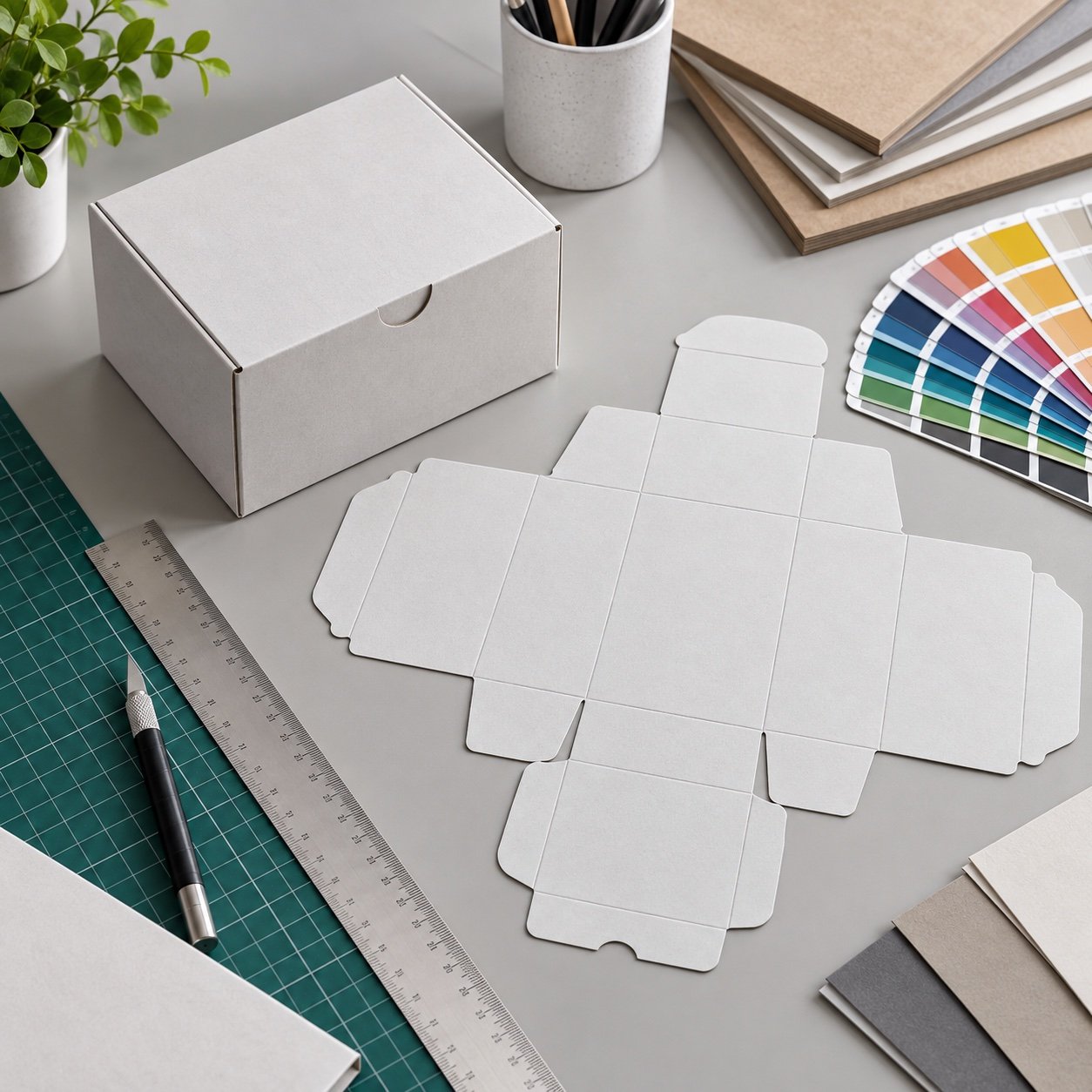
Direct answer: A packaging dieline should be approved as a manufacturing drawing, not merely an artwork template. Buyers need to confirm internal dimensions, material thickness, folds, glue areas, closures, inserts, bleed, safe zones, barcode placement, finishing limits and a physical prototype before mass production.
Confirm what the dimensions mean
State whether dimensions are internal, external or flat-sheet measurements and identify the order of length, width and height. Confirm product orientation, clearance, insert thickness and accessory space. Material caliper and board construction can change internal fit even when the outside dimensions appear correct.
Read the manufacturing layers
| Layer | Approval focus |
|---|---|
| Cut | Final perimeter, slots, windows and tabs |
| Crease or score | Fold position, direction and board behavior |
| Glue | Adhesive zones and artwork exclusions |
| Bleed | Artwork extension beyond trim |
| Safe zone | Text, barcode and critical graphics clear of edges |
| Finish | Foil, emboss, spot coating or window registration |
Preflight the artwork
Check linked images, color mode, spot colors, overprint, knockout, font handling and minimum line or text size against the printer specification. Verify barcode size, quiet zone, contrast and final placement on a physical proof. Do not rely on an enlarged screen preview to judge small print or registration.
Build and pack a prototype
- Produce an unprinted structural sample in the intended material or a documented substitute.
- Load the final product and accessories.
- Check closure, opening, product removal and packing sequence.
- Confirm that inserts and windows align after folding.
- Review shipping-carton fit and pallet assumptions.
- Approve a production-material sample before mass output.
Freeze revisions and responsibilities
Use a file name, revision number and approval date. Separate structural approval from artwork approval and record who owns each decision. Any product-size, board, insert, finish or legal-copy change should trigger a documented review of the affected layers.
Frequently Asked Questions
Is a PDF dieline enough for final approval?
No. Use the file for preflight, then approve a physical structure and production-material sample.
Should dimensions be internal or external?
Either can be used if clearly identified, but product fit normally depends on controlled internal dimensions.
Why must glue areas remain clear?
Ink, coatings or foil in bonding zones can reduce adhesive reliability or create visible defects.
When should barcode placement be checked?
Check it on final-size artwork and again on the folded physical pack.
What changes require a new review?
Review product dimensions, board, insert, closure, artwork, barcode, finishes and regulatory-copy changes.
Request a Dieline and Prototype Review
Send the product dimensions, pack style, insert needs and artwork requirements. MSQ PACK can prepare a controlled dieline and prototype route.